
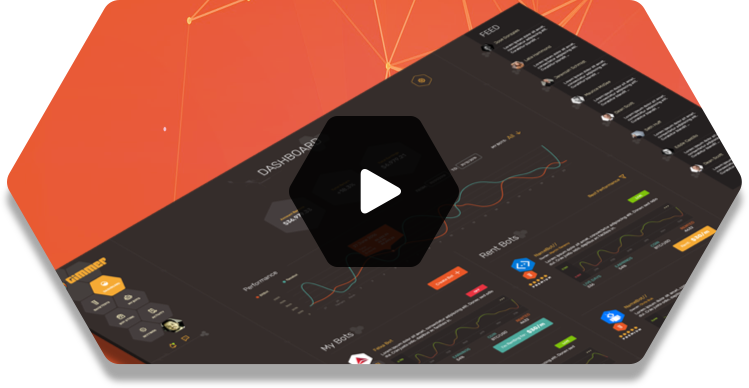
Runtime activity
See the candle, pair, timeframe, indicator, and decision that produced each event.
Local-first trading automation
Gimmer brings strategy design, historical backtesting, parameter optimization, simulation, live execution, and runtime monitoring into one desktop application.
No automated strategy removes market risk. Review the evidence and use simulation before putting live capital at risk.
Official GMR token
Gimmer Token (GMR) is the Ethereum token used for hold-to-use access to live Gimmer bots and Marketplace activity. It is not a promise of trading returns.
0x9B8D5f3402F74C7a61d9f09c32D3cA07b45c1466
Only this address is the official GMR contract published by Gimmer. A token with the same name at another address is not the official GMR token.
One controlled workflow
Each stage stays distinct, so a promising chart does not silently become a live order.
Choose markets, indicators, execution rules, sizing, and safeguards in the strategy builder or AI Studio.
Inspect trades, open and realized PnL, drawdown, volatility, benchmarks, and execution timing.
Use the optimizer to compare bounded candidate combinations instead of tuning by instinct alone.
Observe closed-candle ticks and runtime activity in simulation before you explicitly choose live execution.
The current Gimmer application
Gimmer is designed to make strategy state, risk, execution, and failures visible while a bot is running.
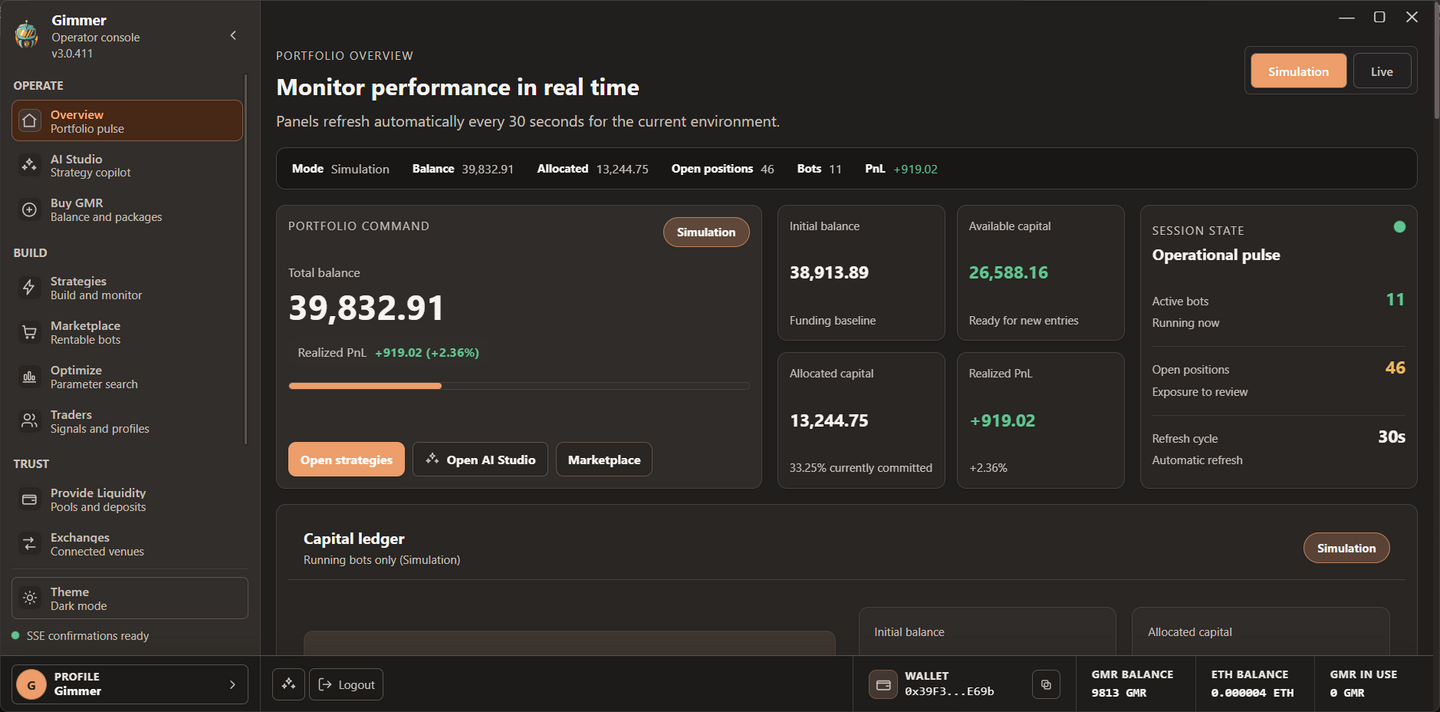
See the candle, pair, timeframe, indicator, and decision that produced each event.
Review open and closed positions with operation type, valuation, entry, last price, and PnL.
Use monitoring and observability views to investigate stale feeds, execution failures, and runtime health.
Review published strategies, backtest evidence, rental terms, and approval state before taking action.
Choosing a crypto trading bot
Gimmer belongs in the same research set as 3Commas, Cryptohopper, Coinrule, Pionex, and Gunbot. Its defining choice is a desktop-first runtime. Compare every platform on supported exchanges, strategy controls, pricing, data handling, and risk tools before deciding.
Gimmer is independently developed and is not affiliated with those products or companies.
Clear answers before installation
Yes. Gimmer is a desktop application for Windows, macOS, and Linux. Core runtime and operational data stay local; connected features still communicate with their required services.
Yes. Run historical backtests and simulation, inspect drawdown and execution details, and move to live mode only through an explicit decision.
It is reasonable to compare Gimmer with 3Commas, Cryptohopper, Coinrule, Pionex, or Gunbot. Focus on runtime location, exchange support, strategy controls, cost, and data handling—not a generic “best bot” label.
No. A backtest describes how a configuration behaved against historical inputs and model assumptions. It cannot guarantee future performance or remove execution and market risk.
 Windows
 macOS
macOS Linux
Linux