
Available
Indicators
Build no-code strategies with 76 public technical indicators and choose Spot or Margin execution.
450 GMRHold-to-use access
Keep the required GMR balance available in your wallet while each real-account bot runs. You do not spend that GMR as a monthly platform payment. Backtests and simulations do not use the live allocation.
GMR has market, liquidity, smart-contract, and network risk. Holding GMR does not guarantee strategy performance, order execution, or investment returns. Required GMR hold amounts may change. Confirm the current requirement in the latest Gimmer app before acquiring GMR or starting a live bot.
keep the required GMR available while a live bot runs
with direct hold requirements
no recurring monthly GMR transfer
How hold-to-use works
Gimmer resolves each live bot's current direct-GMR requirement from the signed IPFS catalog, then checks whether the connected wallet covers their combined GMR In Use.
Build, backtest, optimize, and simulate the strategy before using a real exchange account. These modes do not consume live GMR allocation.
For live execution, keep the amount assigned to that strategy engine available at the Gimmer wallet address.
Each concurrently running real-account bot adds its current signed-catalog requirement to GMR In Use. Multiple live bots therefore require the sum of their amounts.
If the wallet balance drops below total GMR In Use, the runtime guard can stop bots instead of silently bypassing access rules.
Available now
These values come from the latest publicly resolved signed IPFS catalog, verified on September 12, 2026. The latest desktop app remains the runtime source of truth because a signed revision can update requirements and availability.
Build no-code strategies with 76 public technical indicators and choose Spot or Margin execution.
450 GMRTrade configured drawdown entries and recovery exits over medium-term crypto price movement.
2750 GMRSet target allocations and rebalance a multi-asset portfolio when its configured drift threshold is reached.
1250 GMRWrite a typed TypeScript decision handler while Gimmer retains execution, sizing, and risk controls.
3500 GMRUse a governed AI runtime with bounded evidence, confidence rules, and hold-on-failure behavior.
4000 GMRExecution mode does not create a second catalog item. The decision engine defines the hold amount, while Spot or Margin determines order behavior and risk.
Creation list
A listed hold amount communicates the intended access tier. It does not make a legacy strategy runnable or establish a release date.
Planned automated lending workflow. It is priced in the roadmap catalog but is not runnable yet.
Planned short-interval trading engine. It remains unavailable in the current strategy builder.
Planned price-difference engine. Legacy arbitrage records do not make this engine currently available.
Planned DeFi yield workflow. Availability will require a future supported release and current documentation.
Planned NFT market workflow. The roadmap value is not permission to run a legacy configuration.
Marketplace
The hold-to-use catalog applies when you run your own strategy on a real account. The Marketplace lets traders publish approved strategies with time-based rental plans priced in GMR.
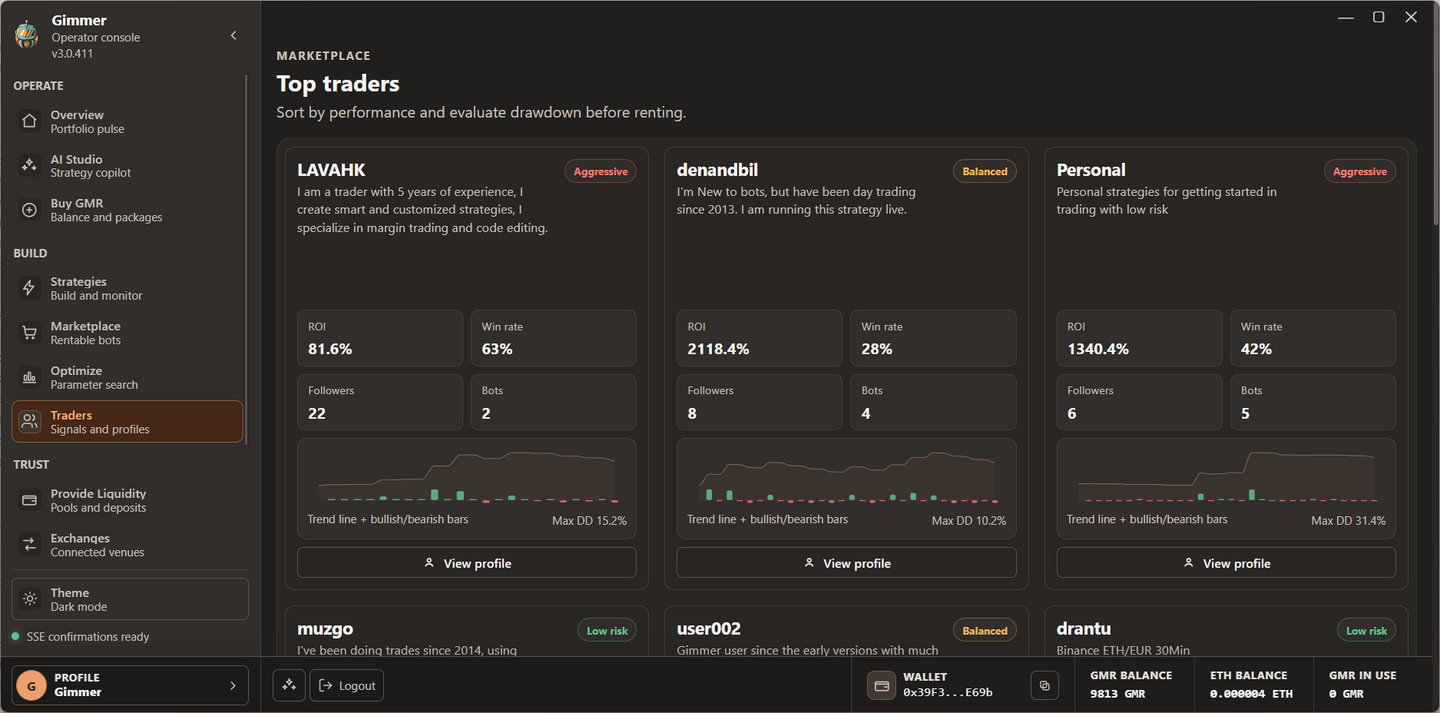
Marketplace approval, ratings, or historical results do not guarantee future performance. Network fees and failed or reverted transactions are separate from the listed GMR amount.
Acquire the access balance
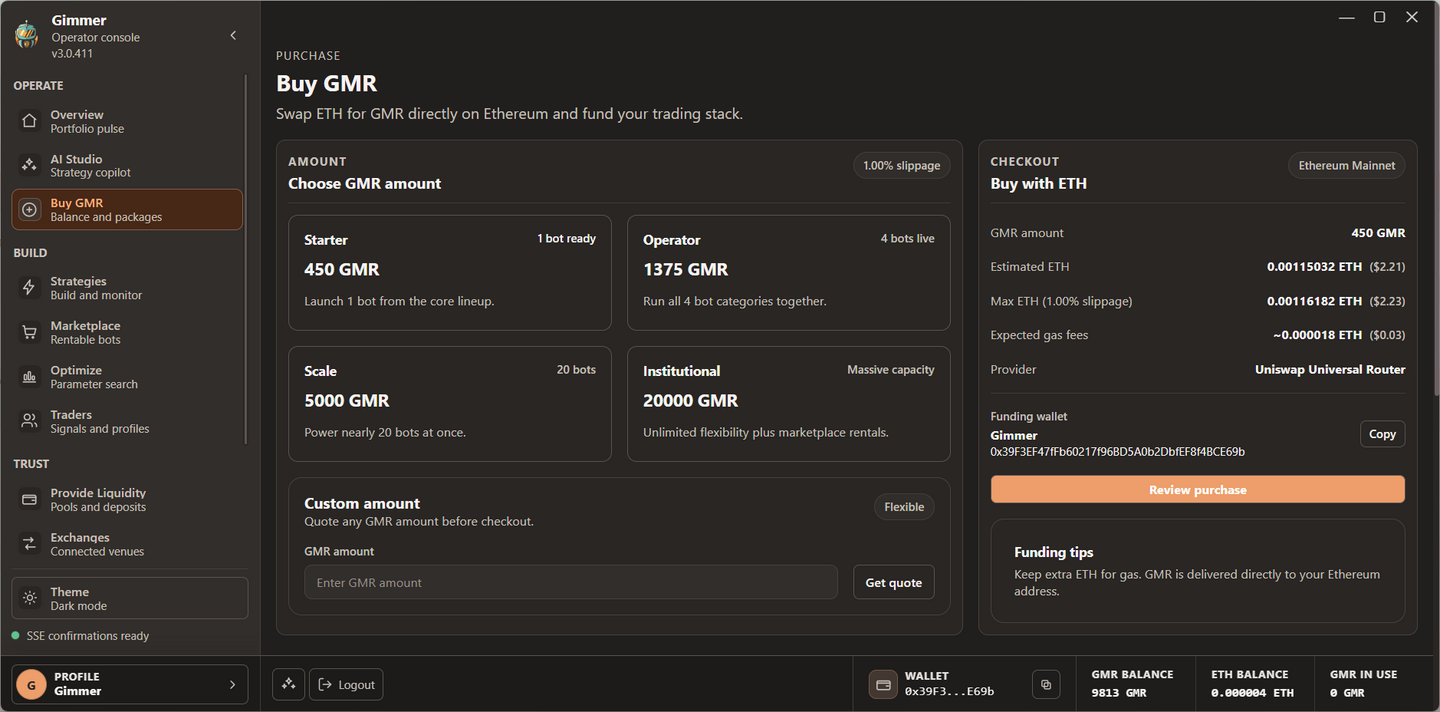
Both paths use Ethereum mainnet liquidity. Review the quote, token contract, slippage, network cost, and wallet transaction before confirming.
0x9b8d5f3402f74c7a61d9f09c32d3ca07b45c1466Questions before live use
No recurring monthly GMR payment is charged for running your own strategies. Live execution requires the applicable GMR balance to remain available in the connected wallet while each bot is running.
The runtime reads the wallet balance and accounts for each live bot requirement. This access hold is not a monthly transfer. Buying GMR and Marketplace rentals are separate blockchain transactions.
Yes. Requirements add across concurrently running real-account bots. For example, one Indicators bot and one Swing bot use 3200 GMR at the currently resolved catalog values.
No. The current runtime applies GMR hold requirements to real-account execution, not backtest or simulation environments.
Yes. Gimmer can update prices and availability through a wallet-signed IPFS catalog. Confirm the current value in the latest app before acquiring tokens or starting a bot.
Request a quote from Buy GMR in the desktop app or use the official Uniswap interface on Ethereum mainnet after verifying the GMR contract address. Review the transaction and network fee before confirming.
Start with evidence
Download Gimmer, create a strategy, and validate its behavior before adding exchange permissions or acquiring a live access balance.
Enter your email to continue to the official download. We will also send relevant product and release updates.
Select the native 64-bit package for your Linux distribution.